
Automatic Internet Failover vs Manual Backup: What Enterprises Should Choose
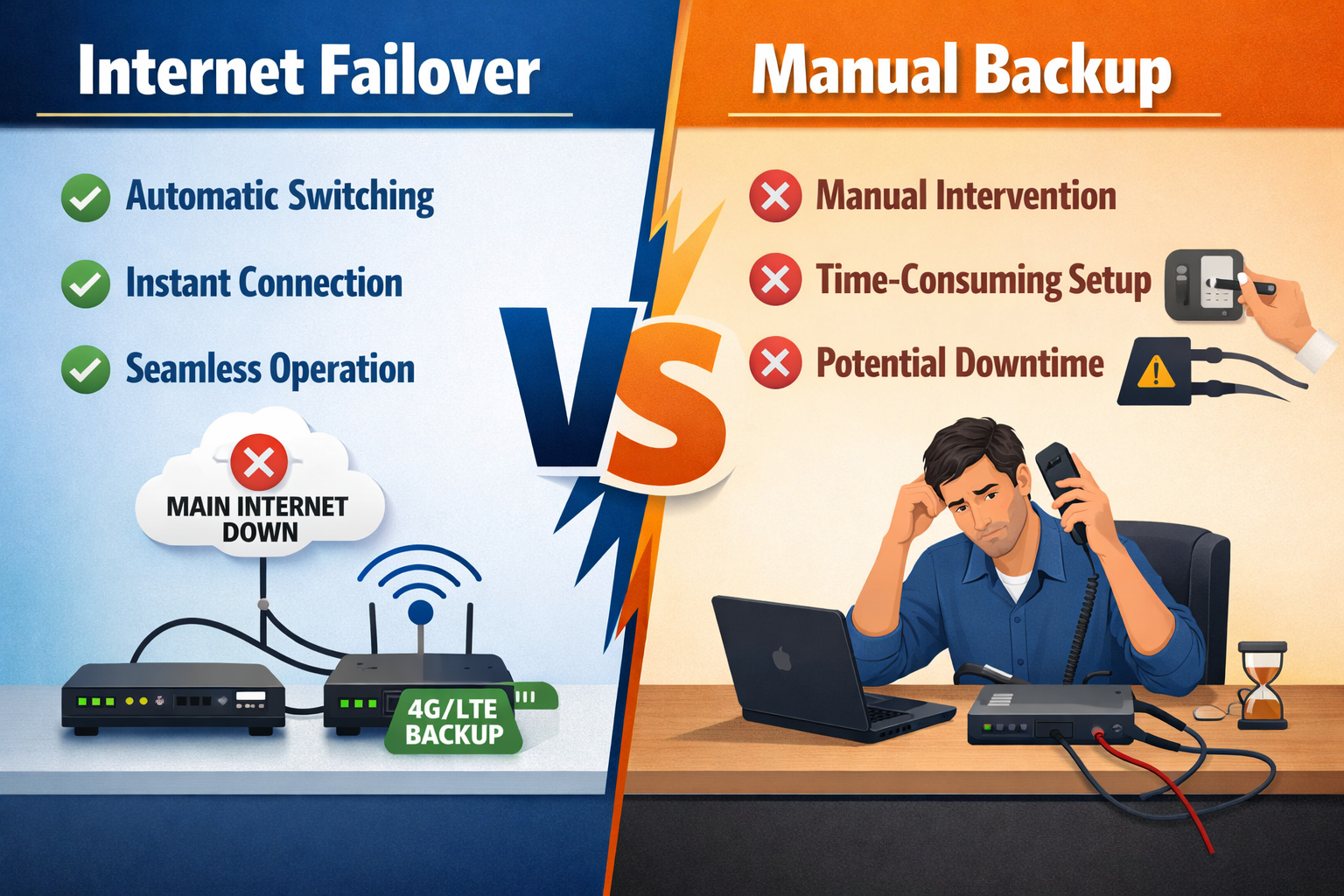
Internet reliability has become a foundational requirement for modern enterprises. From cloud-based applications and digital payments to remote collaboration and real-time monitoring, nearly every business process depends on continuous connectivity. When the internet fails, the difference between quick recovery and prolonged downtime often comes down to how backup connectivity is designed.
Many organisations still rely on manual backup methods, while others have moved to automatic internet failover. Understanding the difference between these two approaches is critical for making the right connectivity decision.
What Is Manual Internet Backup?
Manual backup typically involves keeping a secondary connection—such as a mobile hotspot, secondary broadband line, or tethered device—that is activated only after the primary internet fails. Switching to the backup usually requires human intervention.
This approach is common because it appears cost-effective and simple. However, it introduces several hidden risks:
- Downtime lasts as long as it takes someone to notice the outage
- Switching connections disrupts active sessions and applications
- Backup often depends on individual action rather than system intelligence
- Critical applications may not reconnect smoothly
A manual backup also requires a technician at each location, leading to IT overhead.
For businesses with low digital dependency, this may be acceptable. But for modern enterprises, it is not. In a country where 39% businesses face high-impact outages every week, a manual response to each outage becomes an operational and financial strain.
What Is Automatic Internet Failover?
Automatic internet failover is a network-level capability where the router continuously monitors the health of all connections. If the primary link degrades or fails, traffic is instantly rerouted to a secondary connection without user involvement.
This process happens in mere milliseconds, ensuring:
- Active applications remain connected
- Users experience little to no disruption
- Business operations continue uninterrupted
Failover routers can work across fiber, broadband, satellite, and even cellular networks, making it particularly useful in regions with inconsistent ISP reliability.
Why Manual Backup Falls Short for Enterprises
In enterprise environments, downtime has cascading effects. A delayed response to connectivity failure can impact:
- POS billing and payment systems
- Customer support and call centres
- Cloud-based ERP, CRM, and finance platforms
- Remote access for employees and partners
Manual backup also introduces inconsistency. Different users may switch at different times, or not at all, leading to fragmented recovery and increased support calls.
Where Automatic Failover Makes a Measurable Difference
Automatic failover is especially valuable in:
- Retail chains with multiple outlets
- Healthcare clinics and diagnostic centres
- Warehouses and logistics hubs
- Branch offices in Tier-2 and Tier-3 cities
- Small IT centres and support teams
In these environments, connectivity issues are frequent enough that relying on human response is inefficient and risky.
Cost Considerations: Perception vs Reality
Manual backup often seems cheaper initially, but the real cost lies in downtime. Lost transactions, idle staff time, missed SLAs, and customer dissatisfaction quickly outweigh the savings.
Automatic failover solutions reduce:
- Revenue loss during outages
- IT intervention and troubleshooting time
- Operational stress during network failures
Over time, they deliver a stronger return on investment through stability and predictability.
Choosing the Right Approach
Enterprises should ask:
- Can we afford even 5–10 minutes of downtime?
- Do our applications need constant connectivity?
- Are outages frequent in our operating locations?
If the answer to any of these is “yes,” manual backup is no longer sufficient.
Benlycos Perspective
The firmware of all Benlycos routers runs on our patented technologies. The device continuously monitors real-time jitter metrics and TCP congestion data to proactively identify performance issues, identify the strongest available paths, and dynamically distribute traffic.
For enterprises seeking last-mile failover without bandwidth aggregation, we recommend Benlycos’ Clover M2 Forge. It offers intelligent load balancing with multi-WAN support and seamless switching between wired and cellular networks. Designed for Indian enterprise conditions, it removes dependency on manual intervention and helps businesses stay connected round the clock.