
Top Benefits of Using an Internet Failover Router
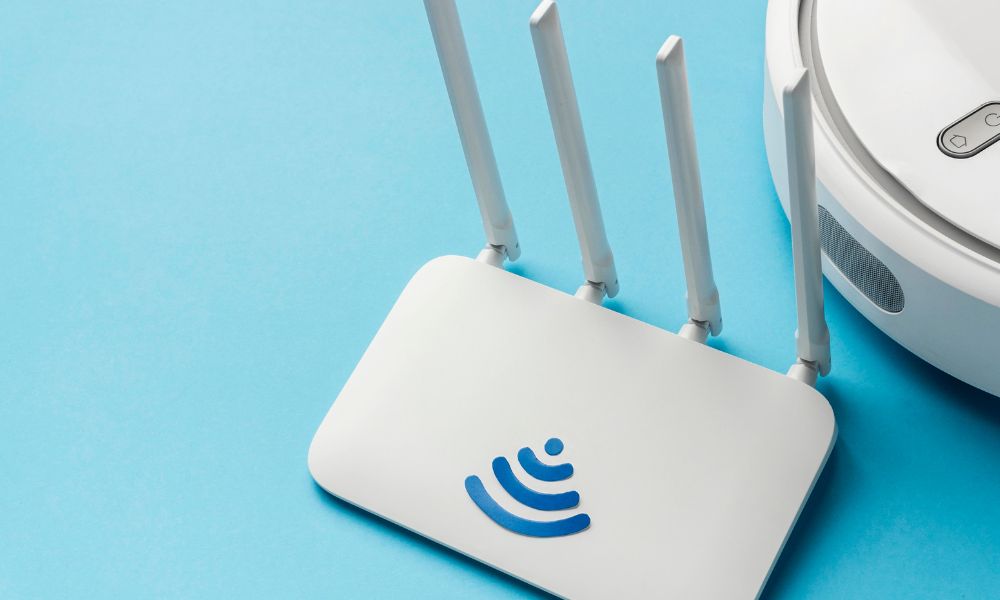
Stable internet connectivity is the lifeline of today’s digital-first world. Businesses depend on online platforms, cloud tools, real-time customer engagement, and secure transactions. Even remote professionals rely on uninterrupted access to maintain productivity and credibility. A single outage can disrupt workflows, delay services, impact revenue, and create frustration for employees and customers alike.
To avoid such disruptions, many organisations use internet failover routers. They ensure that online access remains seamless, even during unexpected interruptions.
What Is an Internet Failover Router?
An internet failover router continuously monitors your primary connection and automatically reroutes traffic to a backup link if it experiences an outage. The backup connection could be satellite, fiber, DSL, or a cellular network (4G/5G). Unlike basic routers, failover models are built specifically for resilience, making them ideal for business continuity and remote work environments.
Why Internet Failover Routers Matter
Internet downtime can range from inconvenient to damaging:
- Retailers losing digital payments
- Teams missing virtual meetings
- Field operations losing access to cloud systems
Failover routers act as insurance against these risks, keeping operations running smoothly.
Top Benefits of Internet Failover Routers
1. Continuous Connectivity
The primary advantage is uninterrupted access. When outages occur due to maintenance, weather, congestion, or ISP failure, traffic instantly shifts to a secondary link without user intervention.
2. Better Productivity
Workflows remain functional even when one connection drops. Teams can collaborate, serve customers, and hit deadlines without needless interruptions.
3. Automatic Failover Intelligence
Users don’t need to detect outages or switch lines manually. Failover happens instantly and invisibly, reducing downtime and stress on IT support teams.
4. Support for Multiple Internet Sources
Many failover routers allow several connection types—fiber, cable, DSL, satellite internet, and cellular networks—to work together. Some even support load balancing, which helps distribute traffic and prevent congestion during peak demand.
5. Cost Efficiency
Failover routers help organisations maintain uptime without needing expensive enterprise internet packages. By using affordable broadband or mobile data as backup, businesses enjoy resilience without overspending.
6. Business Continuity & Dependability
For transaction-heavy environments, customer service centers, or cloud-first operations, failover technology ensures the network remains stable. This strengthens reliability and customer trust.
7. Ideal for Remote Work
With more professionals working from home, network failures can be disruptive. Failover routers offer a safety net, automatically switching connections so important calls, uploads, or presentations don’t collapse midway.
8. Resilience During Emergencies
Unexpected failures—weather incidents, fiber cuts, or local outages—can stall operations. Failover routers reduce disruptions by ensuring backup connectivity is always ready.
9. Simple Integration & Management
Failover routers are generally easy to deploy and fit seamlessly into existing network setups. Modern models also include cloud dashboards, letting IT teams track performance and troubleshoot remotely.
How to Choose the Right Failover Router
When evaluating devices, consider:
- Number of WAN ports supported
- 4G/5G failover capability
- Speed and responsiveness of failover
- Cloud management and security features
- Load balancing support (if required)
For distributed branches, remote teams, or managed business networks, routers with cellular failover and monitoring capabilities offer the strongest value.
Clover for Failover
Internet failover routers are no longer optional—they are foundational for productivity, business continuity, and customer experience. They remove the risk of dependency on a single connection and make digital operations more resilient.
For organizations looking for a practical option, the Benlycos Clover 2X fits this use case well. It functions as a multi-SIM failover and load balancing router, supporting dual 4G connectivity, one WAN, four LANs, and cloud-based monitoring. Clover 2X is ideal for small IT setups, healthcare centers, remote units, and retail sites that require reliable, always-on internet without bonding complexity.